2 min read
Invite your team or an owner
You don't have to share your password. Invite people with their own login and choose what they can do.
- 1
Invite someone
Open Team and enter their email and a role 1, then tap Send invite. They get an email to set up their login.
Owner can do everything. Admin can do everything except delete the account. Member can add and change properties, money, tenants and repairs. Viewer can only look — good for an accountant.
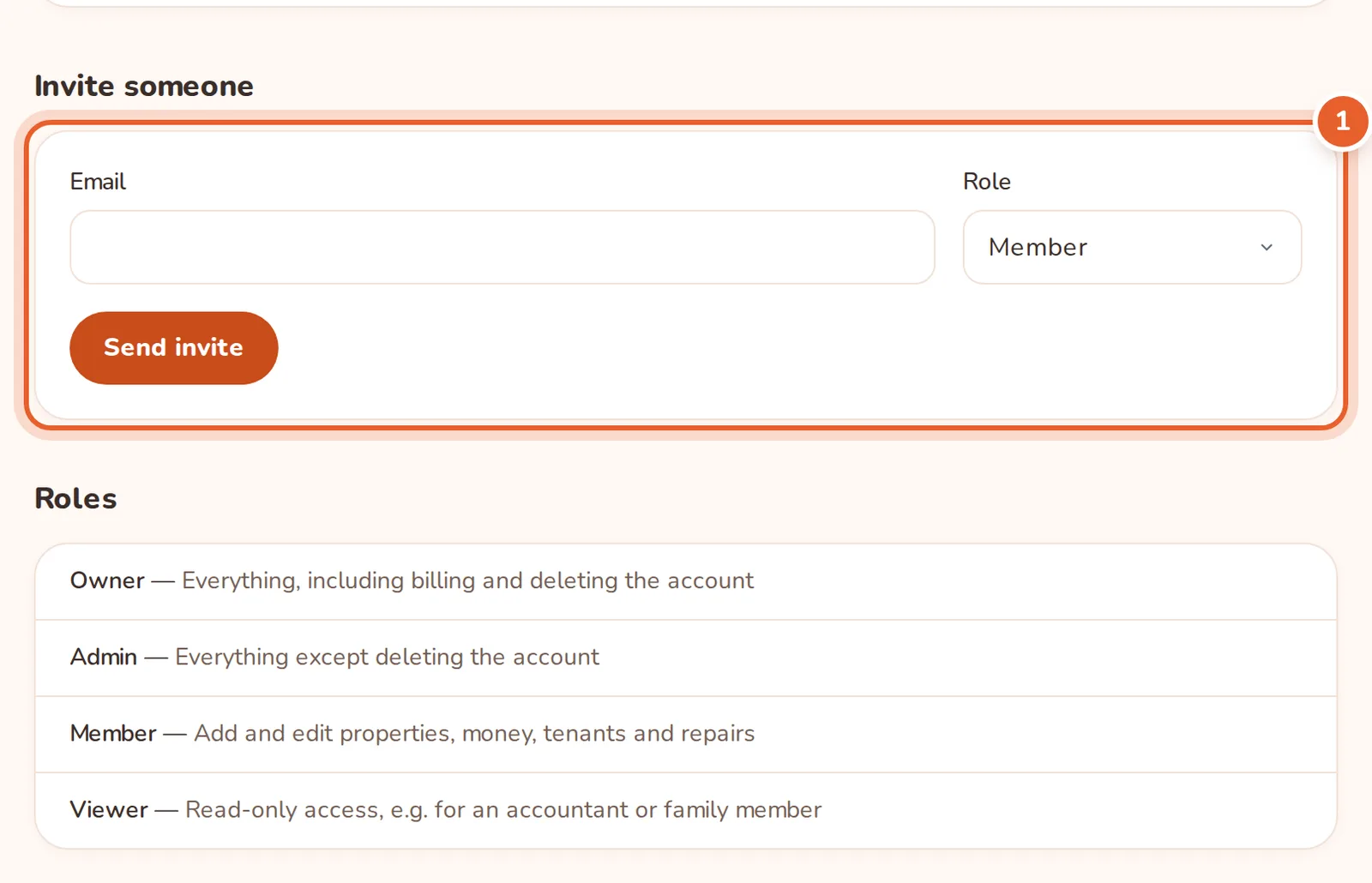
The Team page with the invite form - 2
Managing homes for someone else?
Add the people whose homes you manage in Owners → New owner 1, then choose the owner on each of their properties. Their name goes on the leases, and you can send each owner a statement and a private page with their figures (Pro and Agency plans).
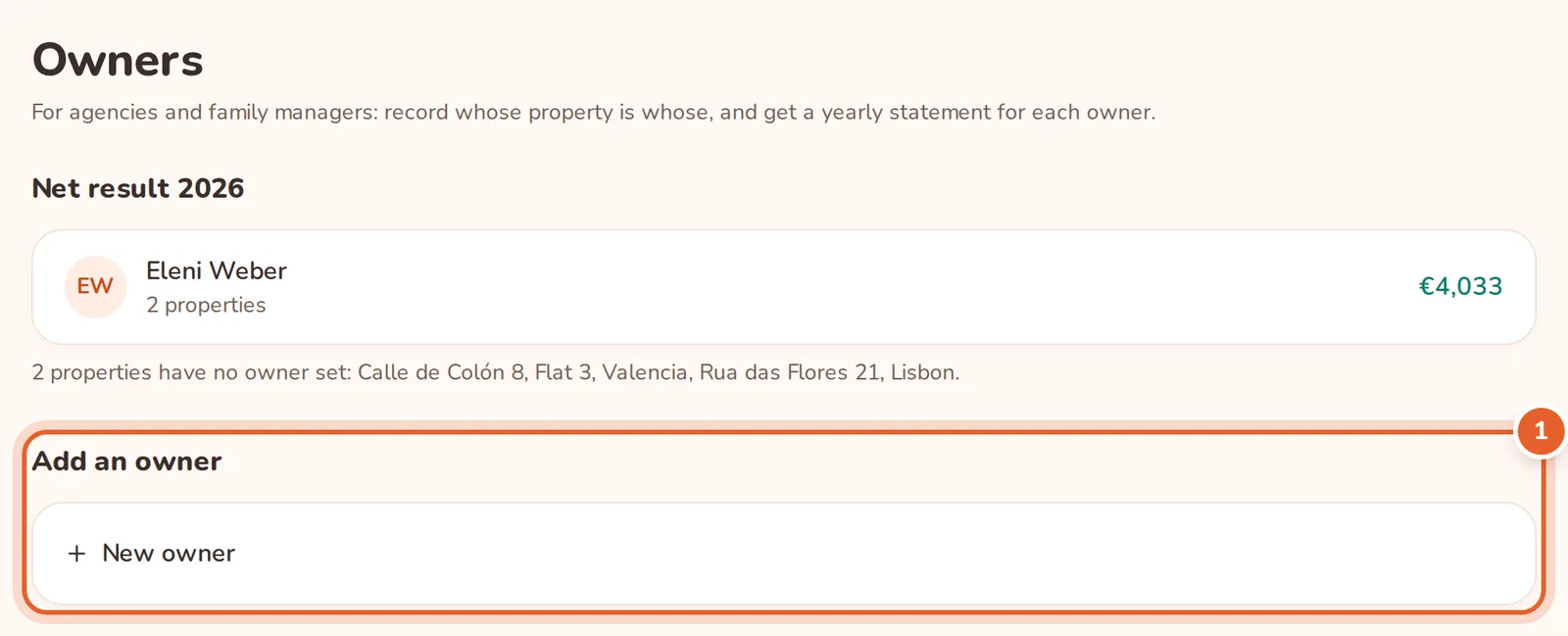
The Owners page
Still stuck?
Email us and a real person will help — usually within one working day.