First steps · 2 of 5 2 min read
Add a property
Everything in BnB247 belongs to a property: tenants, rent, costs, repairs and documents. Start by adding the places you rent out.
- 1
Open Properties and tap Add
Go to Properties in the menu and tap Add 1. You can also use the orange Add button and choose Property.
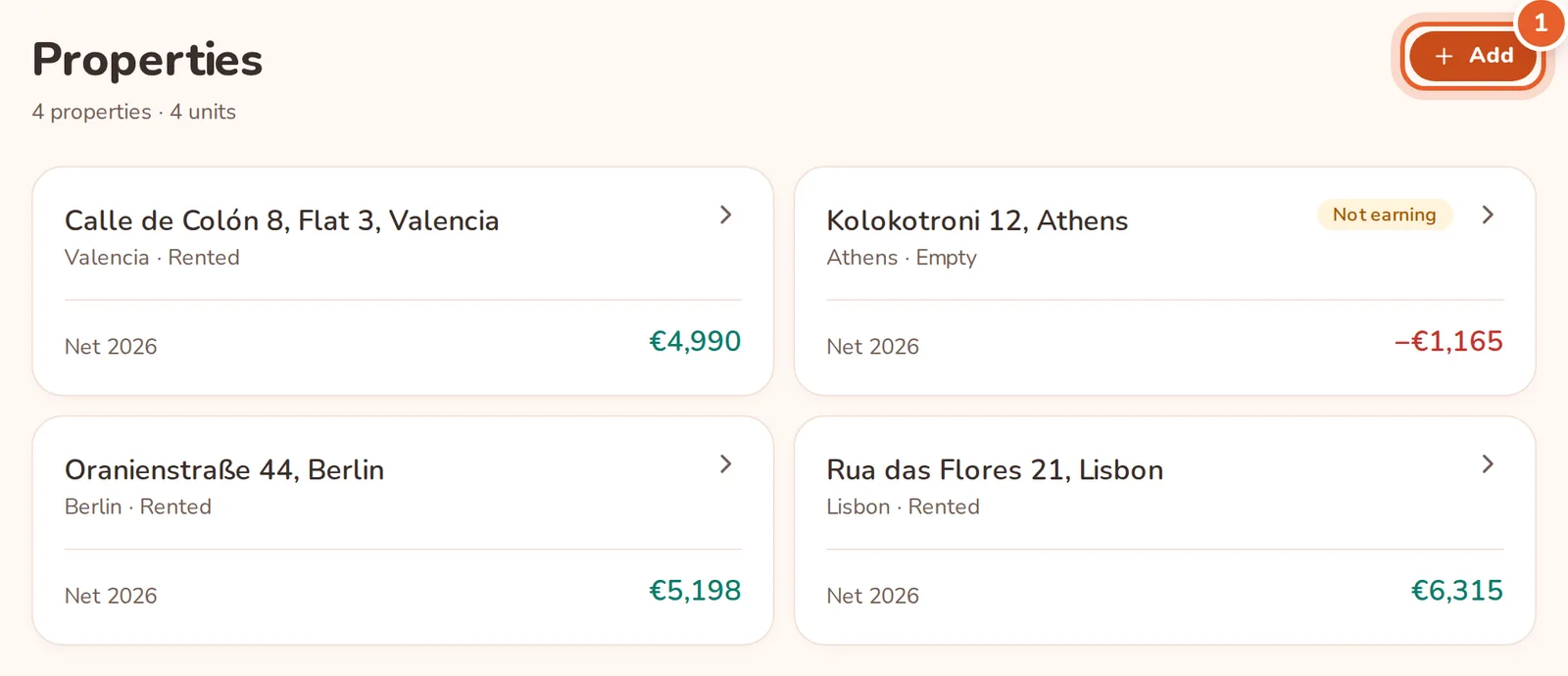
The Properties list with the Add button - 2
Give it a name and an address
The Name 1 is how you refer to the property — for example “Seaside Apartment 2B” or “12 Oak Street”. It's what you'll see in lists and reports.
Add the street, city, ZIP or postal code and country. State or region is optional.
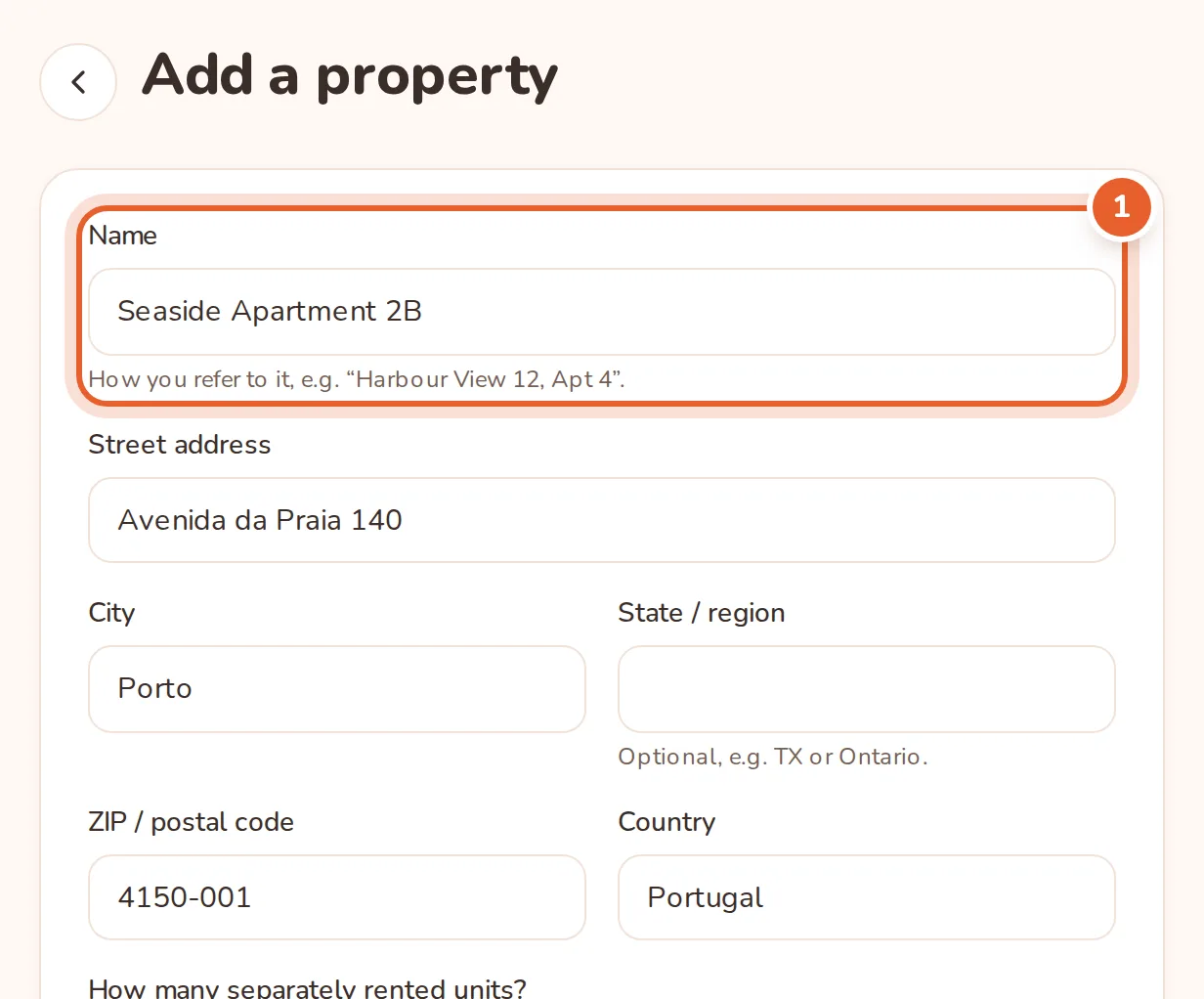
The new property form with name and address filled in - 3
Say how many units it has
A unit is anything you rent out separately. For an apartment or a house, leave it at 1 1.
For a building with several apartments, or a house you rent out room by room, enter how many. Each unit gets its own tenancy, rent and repairs. You can add or remove units later.
Then tap Add property 2.
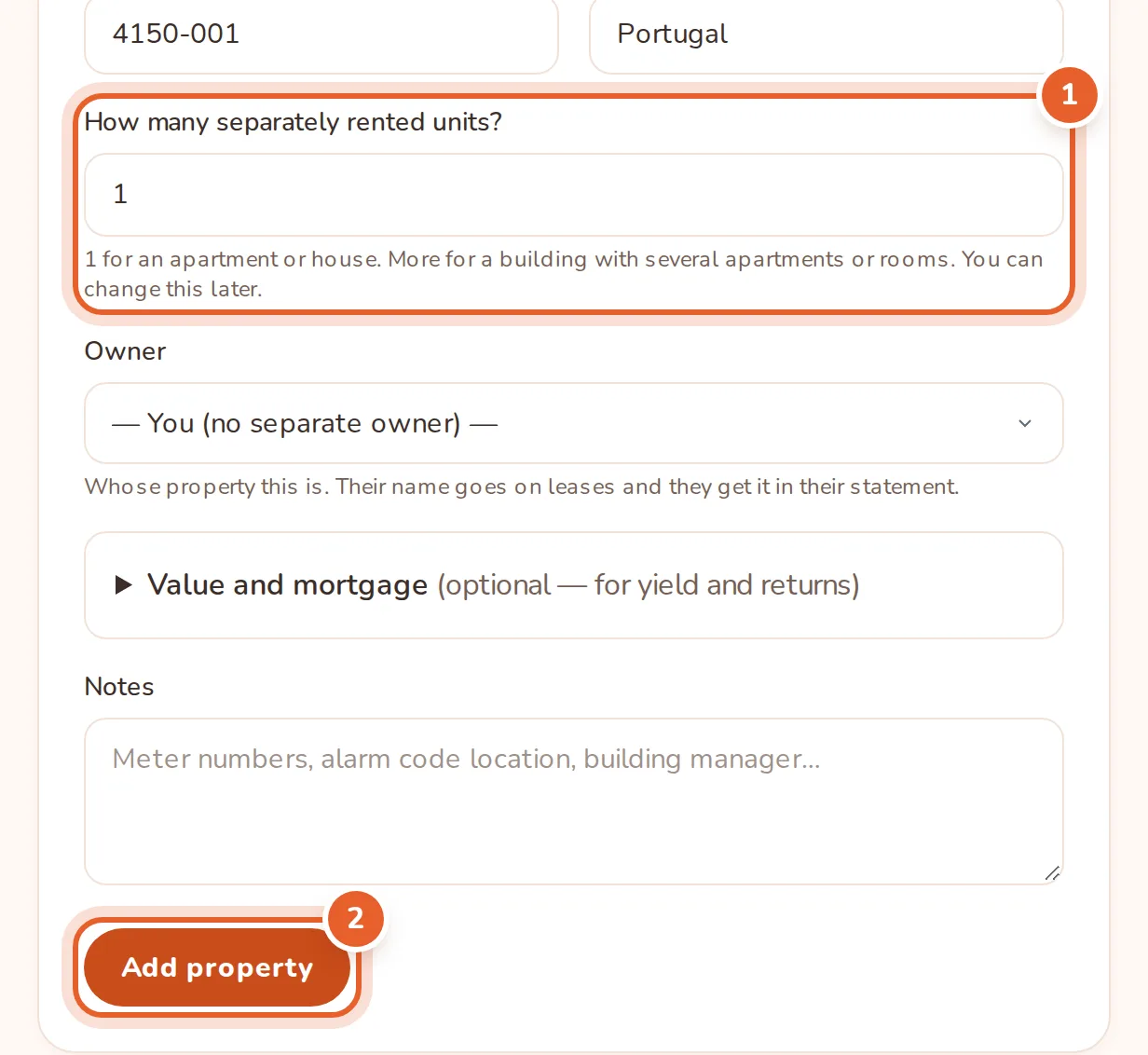
The number of units field and the Add property button Tip: Open “Value and mortgage” if you'd like Reports to show your yield and return. It's optional and only you can see it.
- 4
Your property page
You're now on the property's own page. Units 1 shows who rents each unit. Below are the property's recent money, open repairs, documents, deadlines and notes.
Next, add the tenant: see the next guide.
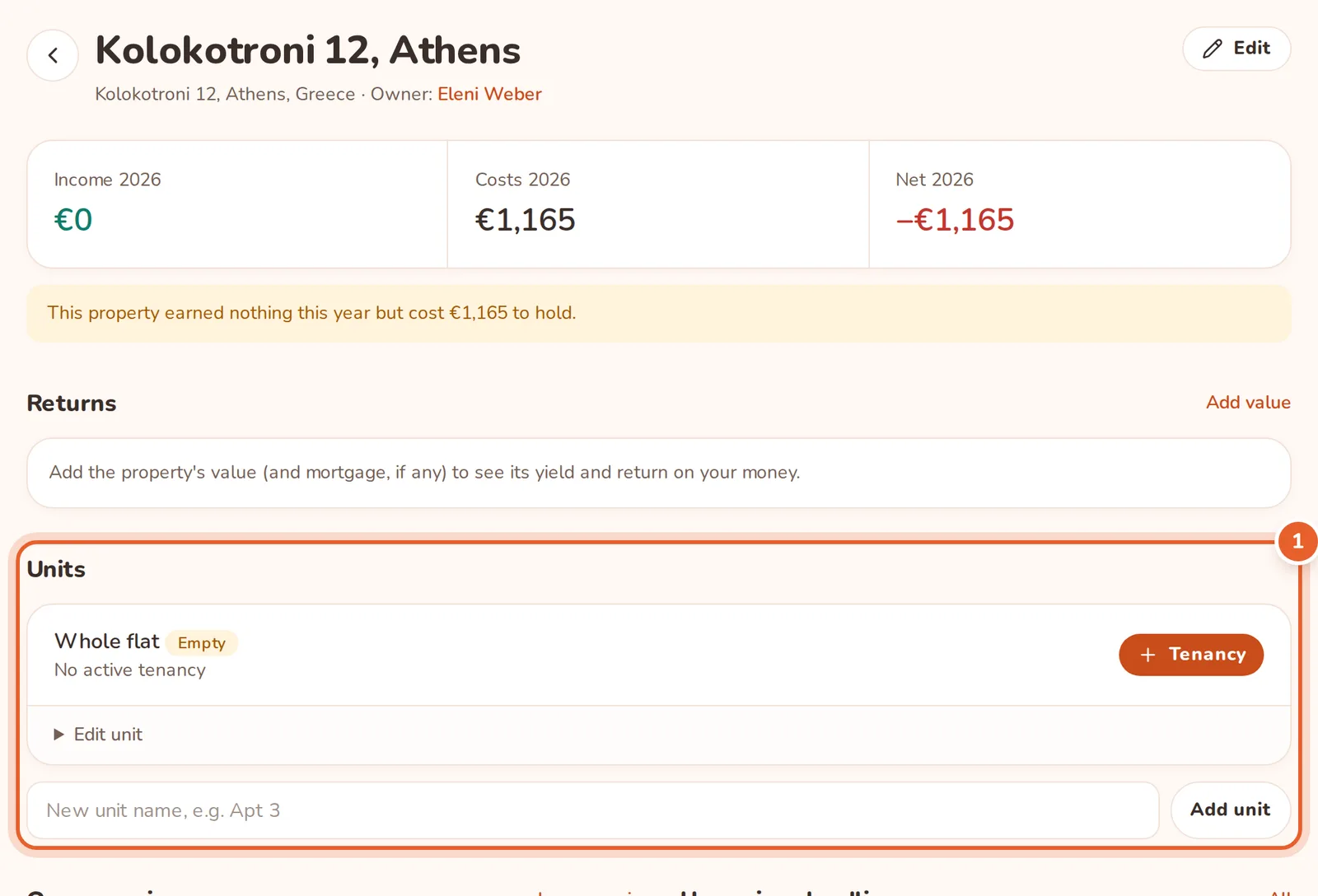
A property page with its units
Still stuck?
Email us and a real person will help — usually within one working day.