2 min read
Log a repair
Keep every repair in one place, with photos, notes and the cost. Tenants can report problems too, from their link.
- 1
Describe the problem
Tap Add, then Repair (or Repairs → Log). Say what's wrong 1, where it is and how urgent it is. Add details and photos if you have them, then tap Create ticket.
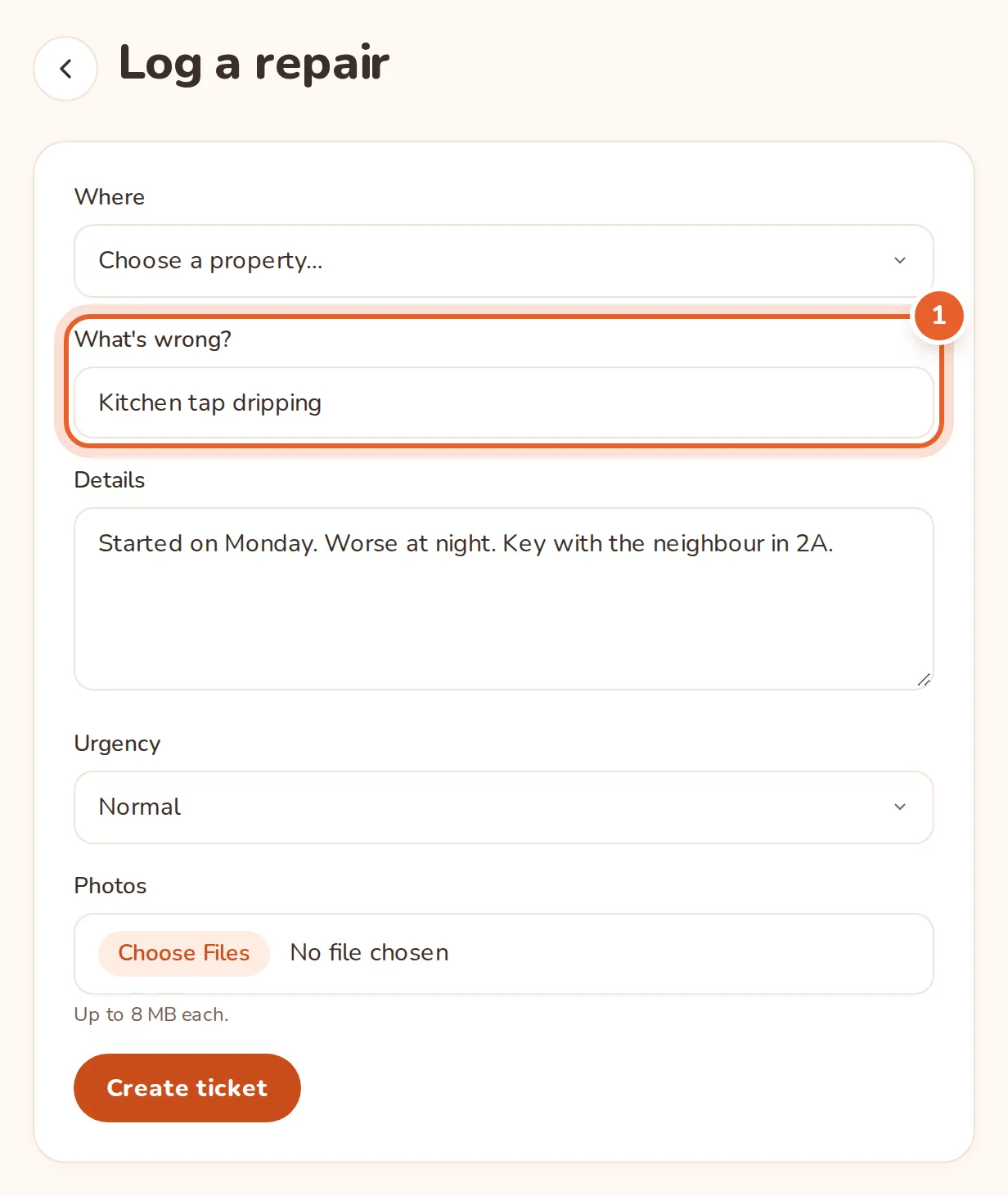
The new repair form Tip: When a tenant reports a problem from their link, it appears in Repairs on its own — with their photos — and you get an email.
- 2
Follow it until it's done
On the repair's page, move it from Open to In progress to Done and add notes as you go 1. Everything is kept in its history.
Choose a contractor from your list 2. On the Pro and Agency plans they get a private job link with the photos and can post updates without an account.
When you pay the bill, tap Record expense so the cost is linked to the repair.
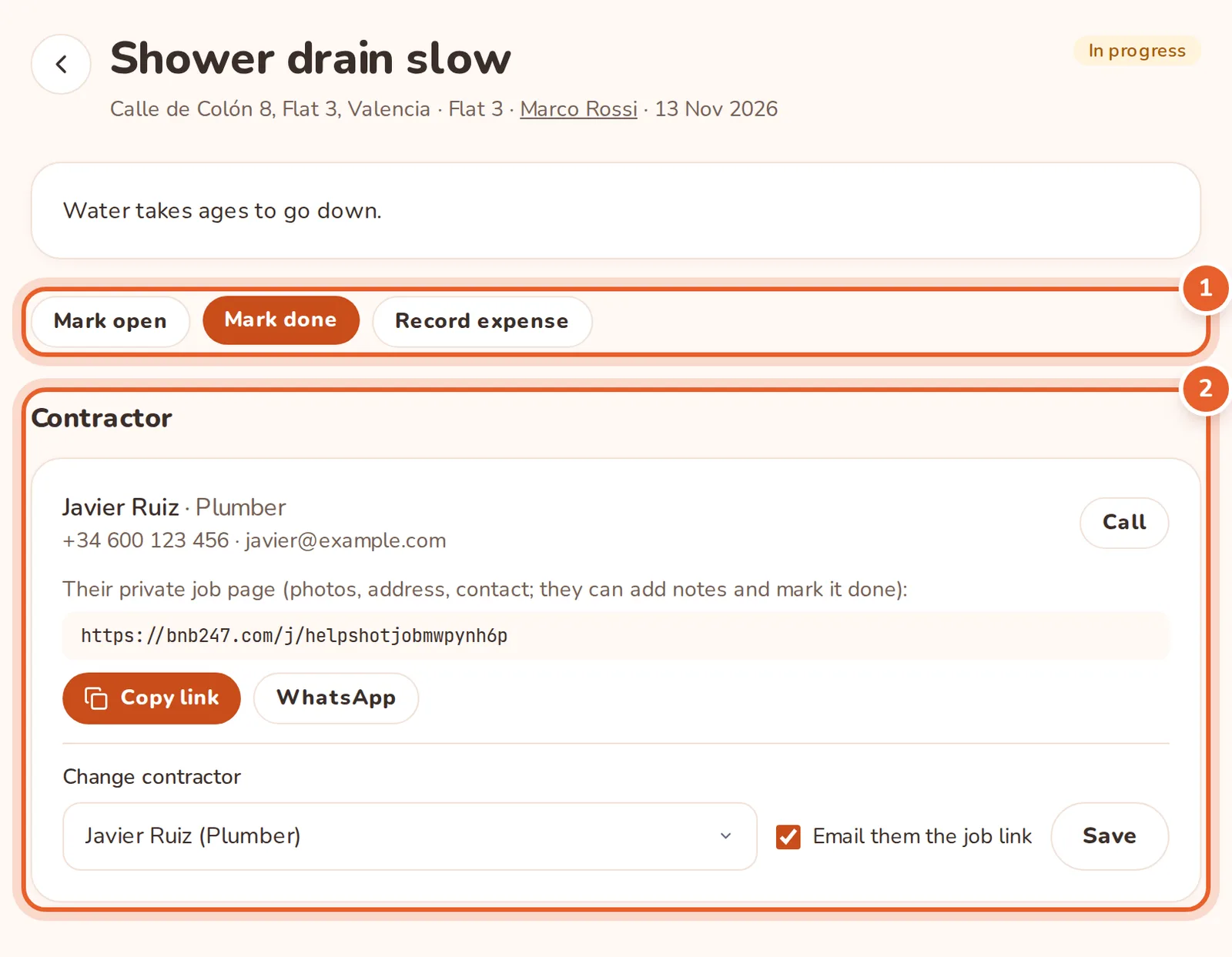
A repair page with its status, notes and contractor
Still stuck?
Email us and a real person will help — usually within one working day.