First steps · 3 of 5 3 min read
Add a tenant and their rent
A tenancy connects a tenant to a unit, with the rent they pay. BnB247 then creates a rent line for every month, so you always know who has paid.
- 1
Start a tenancy on the unit
Open the property and find the unit in Units. Tap + Tenancy 1.
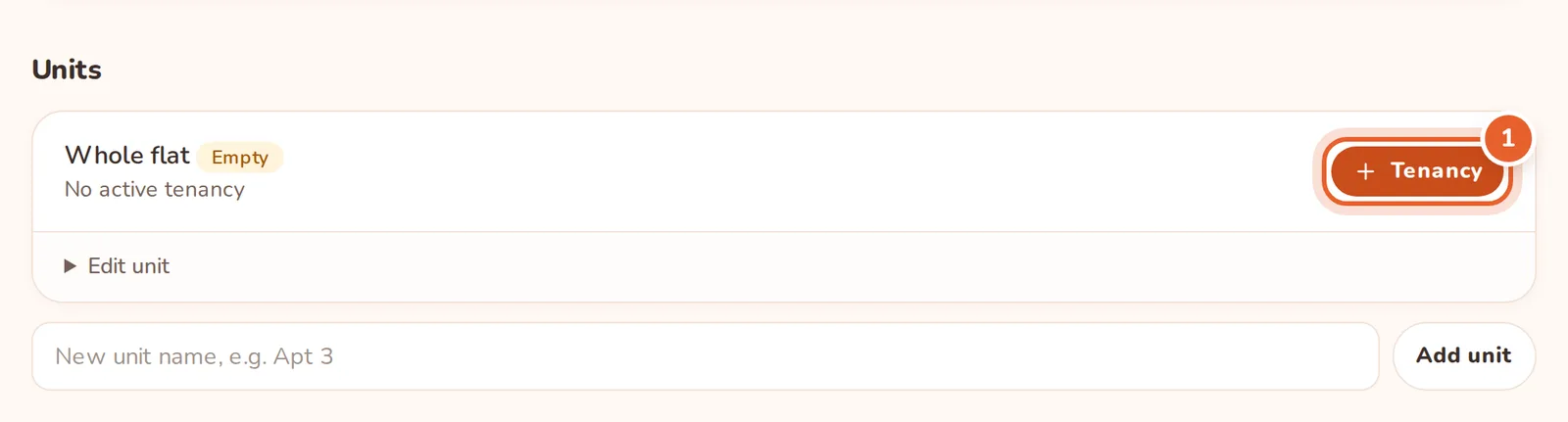
The Tenancy button next to an empty unit - 2
Fill in the tenant
Enter the tenant's full name, email and phone 1. The email is used for rent reminders and to tell them when you reply to a message.
Already added this person before? Pick them from Existing tenant instead.
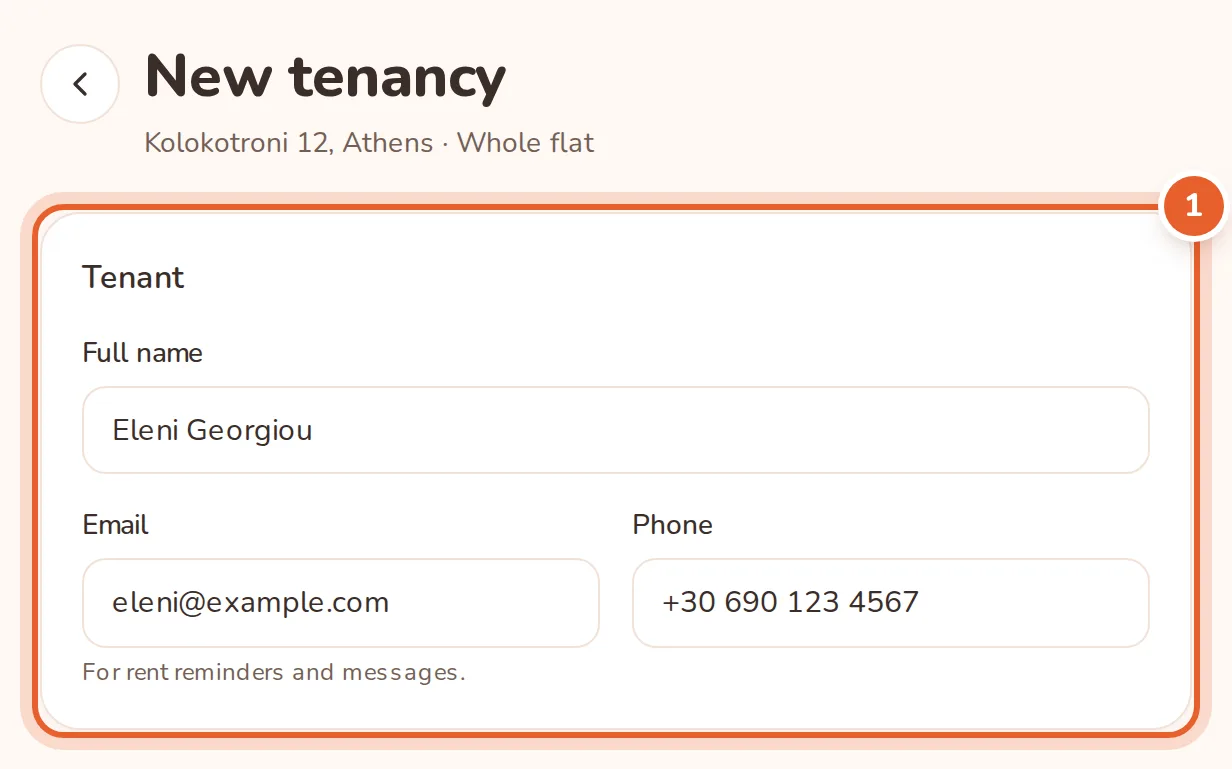
The tenant section of the new tenancy form - 3
Set the rent
Under Terms 1, enter the monthly rent, the day of the month it's due, the start date and the deposit. Leave the end date empty if there isn't one.
The start date can be in the past. BnB247 adds the earlier months for you, so you can tick off what has already been paid.
Keep Email the tenant when rent is due 2 ticked if you'd like BnB247 to send a reminder on the due day, then once a week until it's paid. Tap Create tenancy.
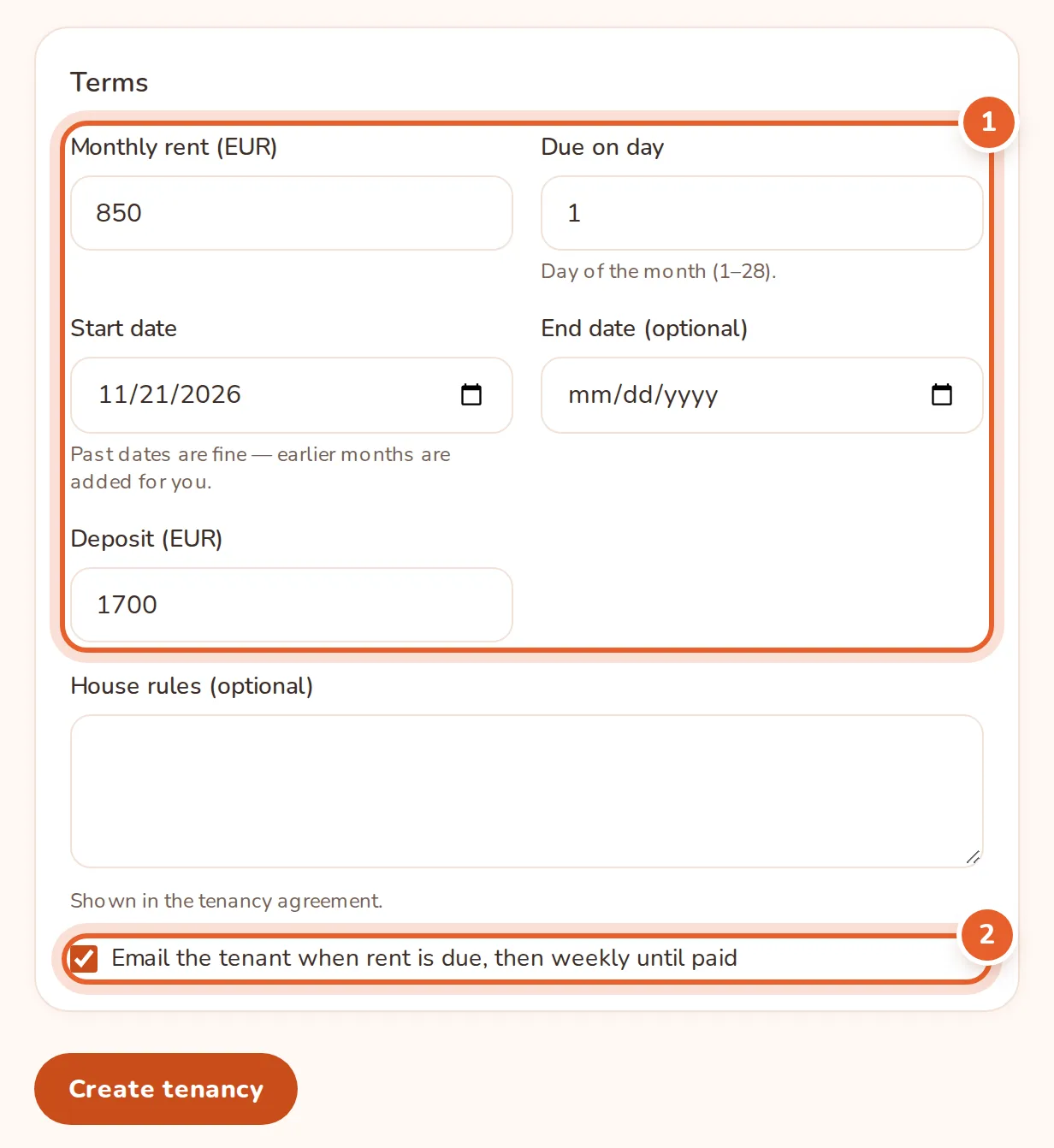
The rent, due day, start date and deposit fields - 4
Share the tenant link
Every tenancy has a private Tenant link 1. Tap WhatsApp to send it straight away, or Copy link and paste it into a text message or email.
They don't need an app or a password. On their page they see what's due and what's paid, read their agreement, message you and report repairs with photos.
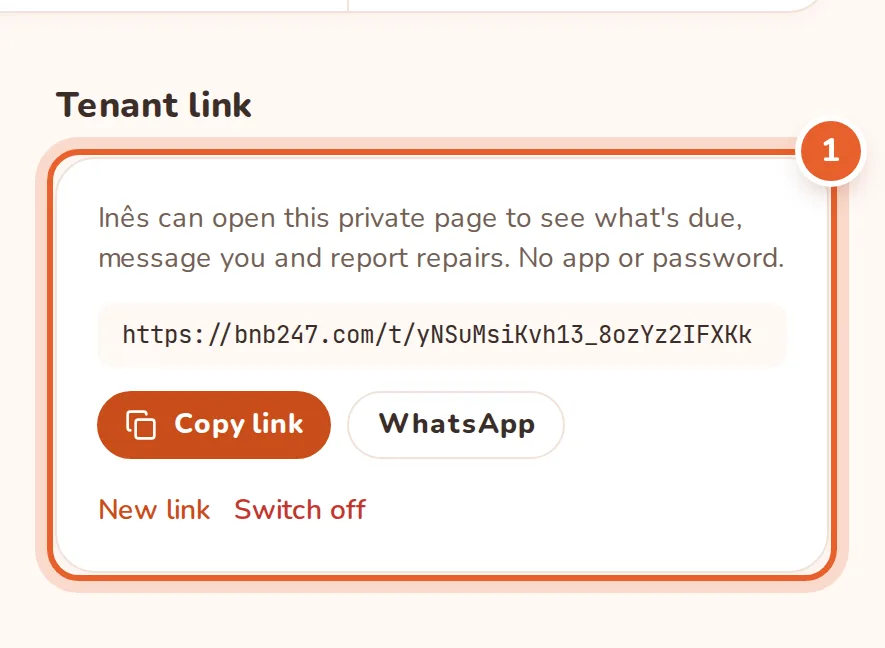
The Tenant link section on a tenancy page Tip: If a link ever gets into the wrong hands, tap New link. The old link stops working at once.
- 5
What your tenant sees
This is the tenant's page on their phone. At the top they see what's due — here, all paid up — and below it their payment history.
Further down they can read their tenancy agreement, send you a message and report a problem.
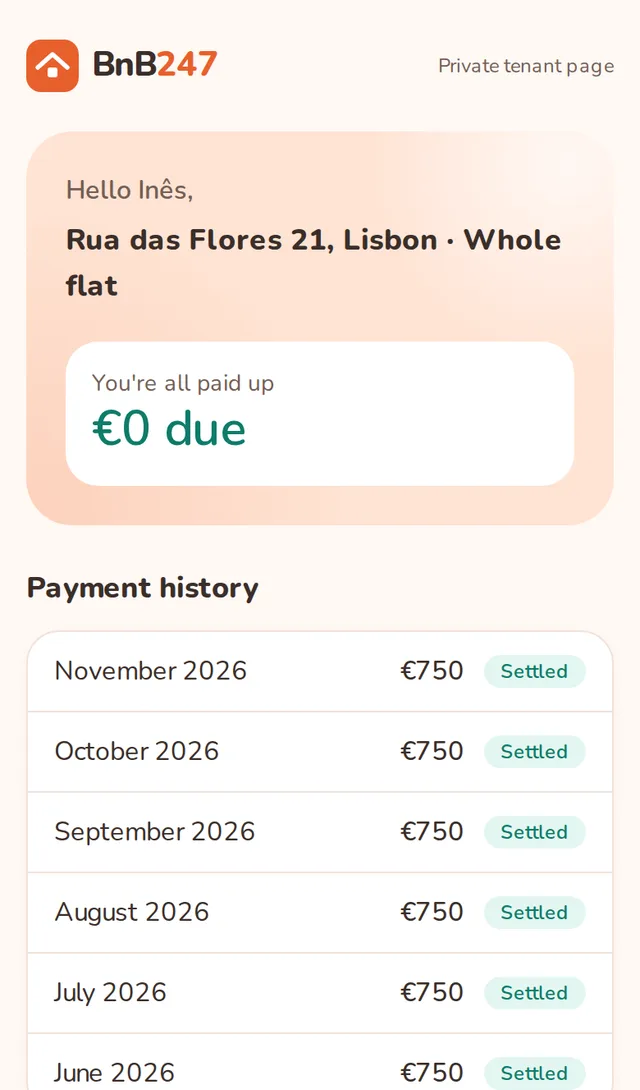
The tenant's own page on a phone
Still stuck?
Email us and a real person will help — usually within one working day.