2 min read
Reports and year-end
Everything you record adds up in Reports. At the end of the year, download one file for your accountant or tax return.
- 1
See how each property is doing
Reports shows your income, costs and net result for the year, month by month, by property and by category. Choose another year at the top.
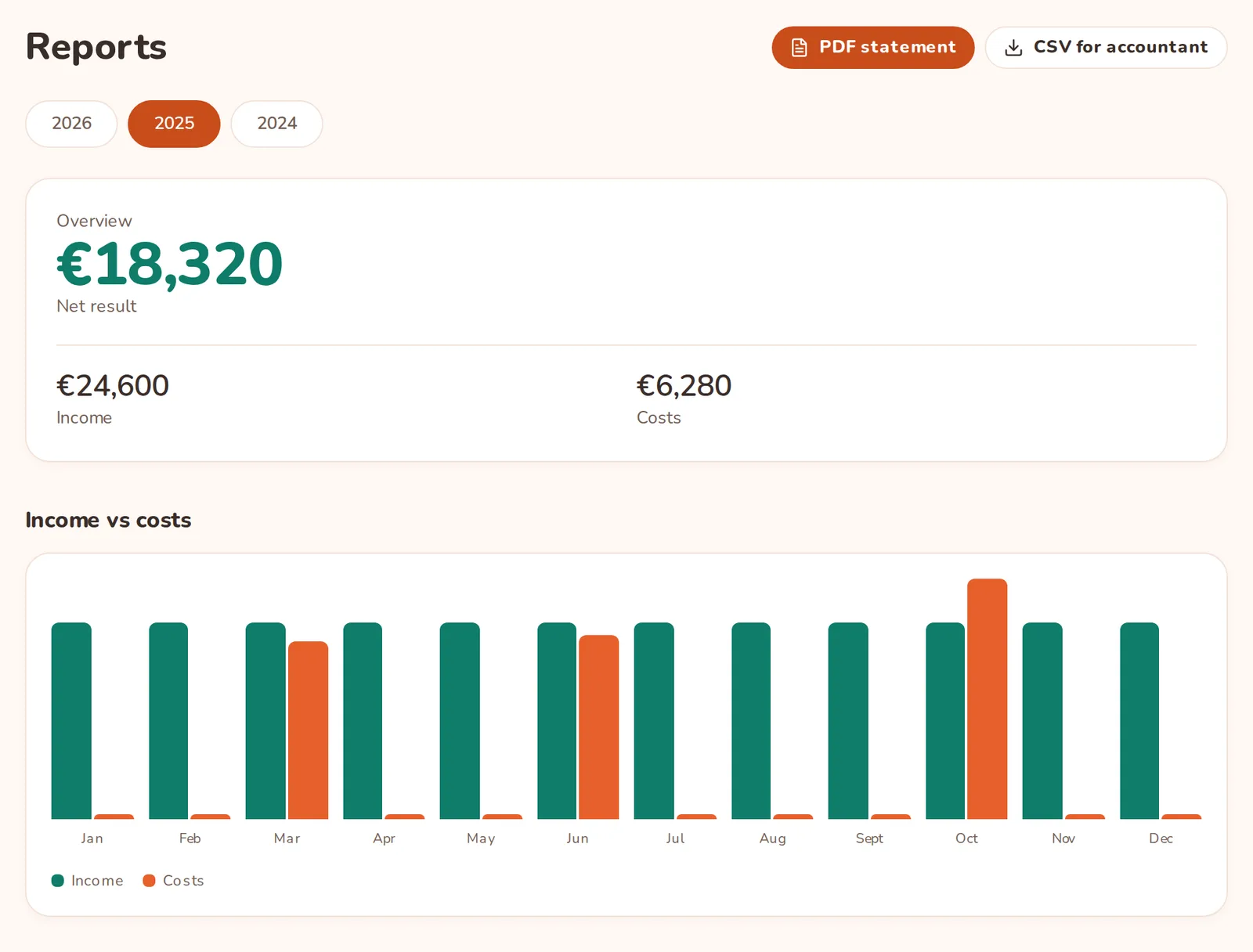
The Reports page with income, costs and net result - 2
Download for your accountant
Tap PDF statement for a tidy yearly statement (it opens in a new tab, ready to save or print), or CSV for accountant 1 for a spreadsheet with every line and the totals.
If your tax year doesn't start in January, set the month in Settings → Tax year starts. Every report follows it.
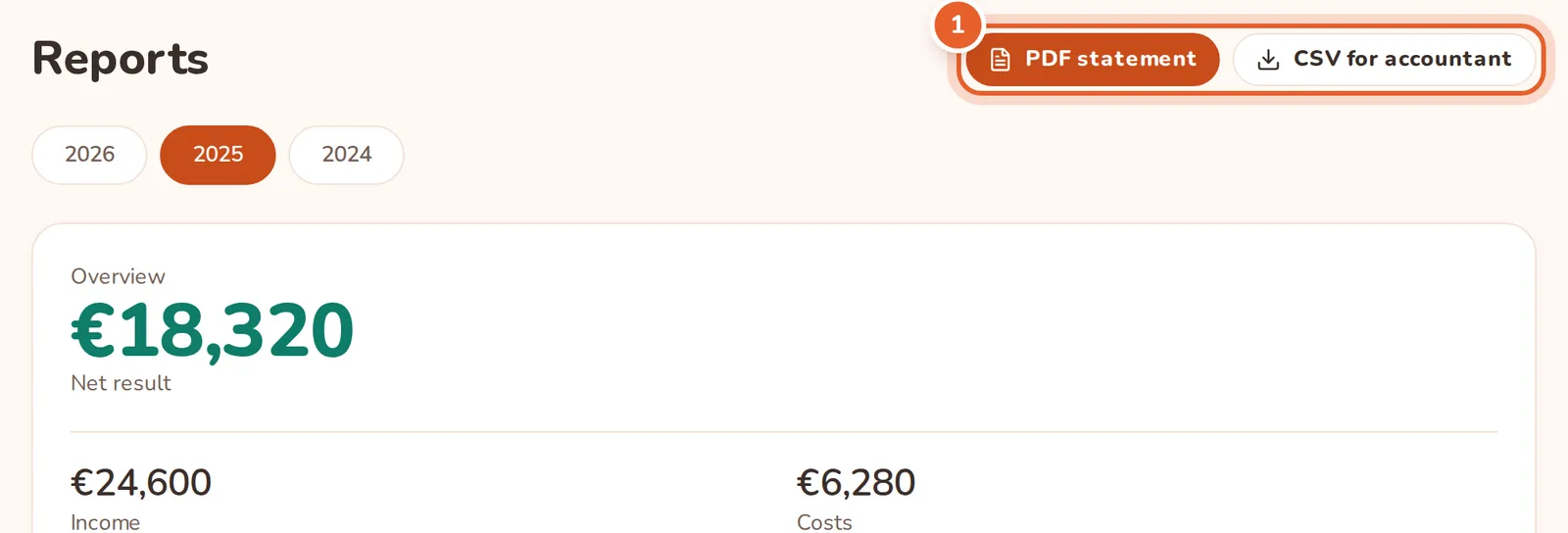
The PDF statement and CSV buttons
Still stuck?
Email us and a real person will help — usually within one working day.