First steps · 1 of 5 2 min read
Find your way around
BnB247 keeps everything about your rentals in one place: properties, tenants, rent, costs, repairs and paperwork. Here's where things are.
- 1
Home shows what needs you
When you log in you land on Home. At the top, Needs attention 1 lists overdue rent, open repairs, new messages from tenants and your next deadline.
Below it you see this month's income and costs, and the latest activity. Tap any line to open it.
The menu on the left 2 takes you to every part of the app.
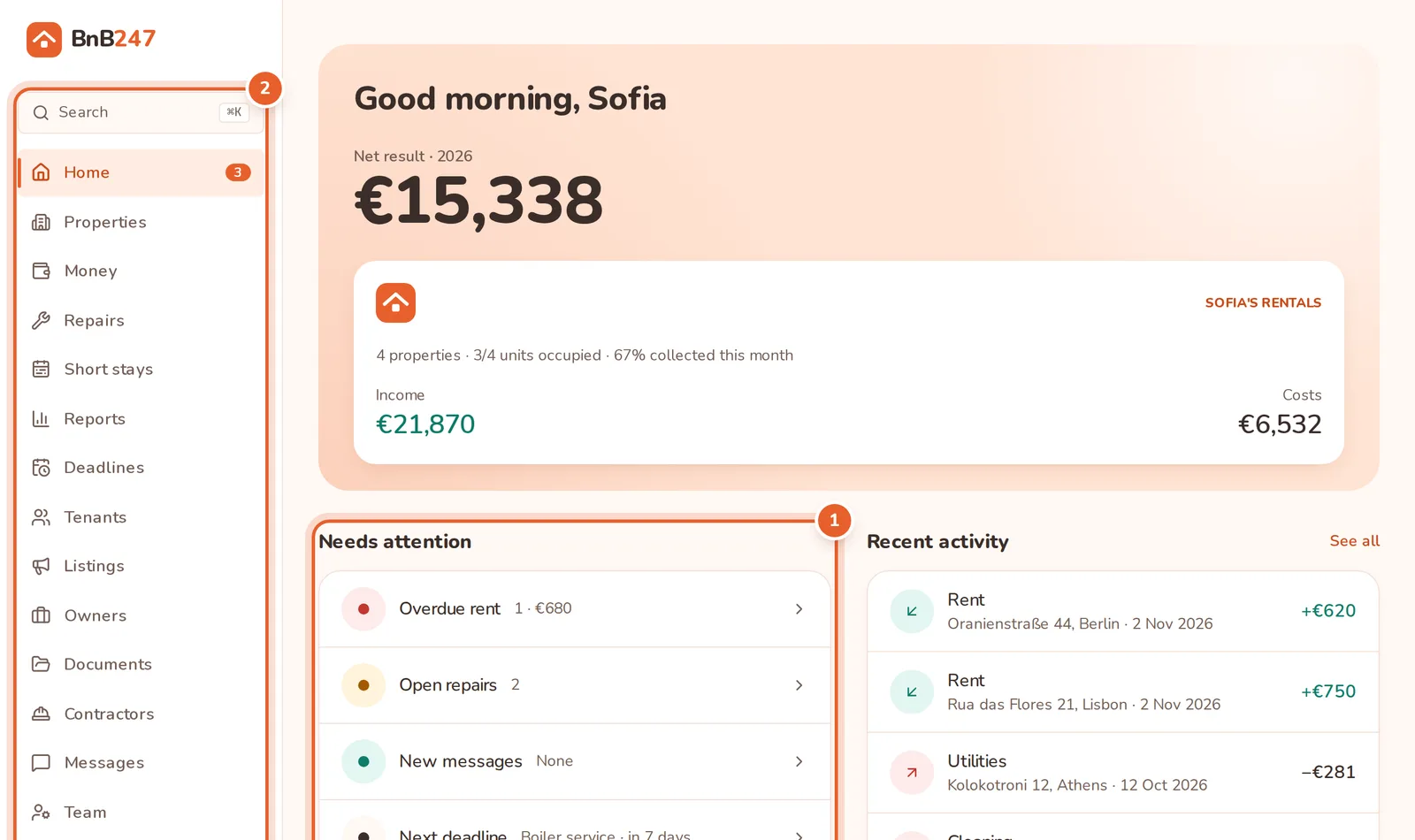
The Home screen with the Needs attention section and the menu on the left - 2
On your phone
On a phone the menu sits at the bottom of the screen 1: Home, Properties, the orange + button, Short stays and More.
More has everything else: Money, Repairs, Tenants, Deadlines, Documents, Team and Settings.
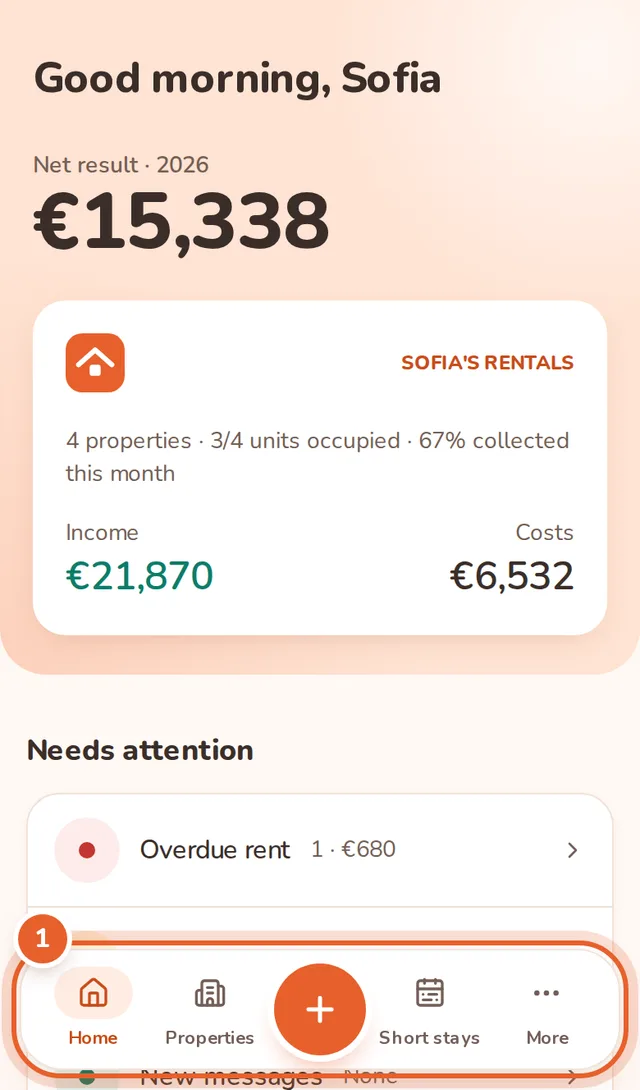
BnB247 on a phone, with the menu bar at the bottom Tip: Put BnB247 on your home screen so it opens like an app. On iPhone, open bnb247.com in Safari, tap Share, then Add to Home Screen. On Android, open it in Chrome, tap the ⋮ menu, then Add to Home screen.
- 3
The Add button is the quickest way in
Tap the orange Add button (or + on a phone) whenever you want to record something new 1: income, an expense, a repair, a deadline or another property.
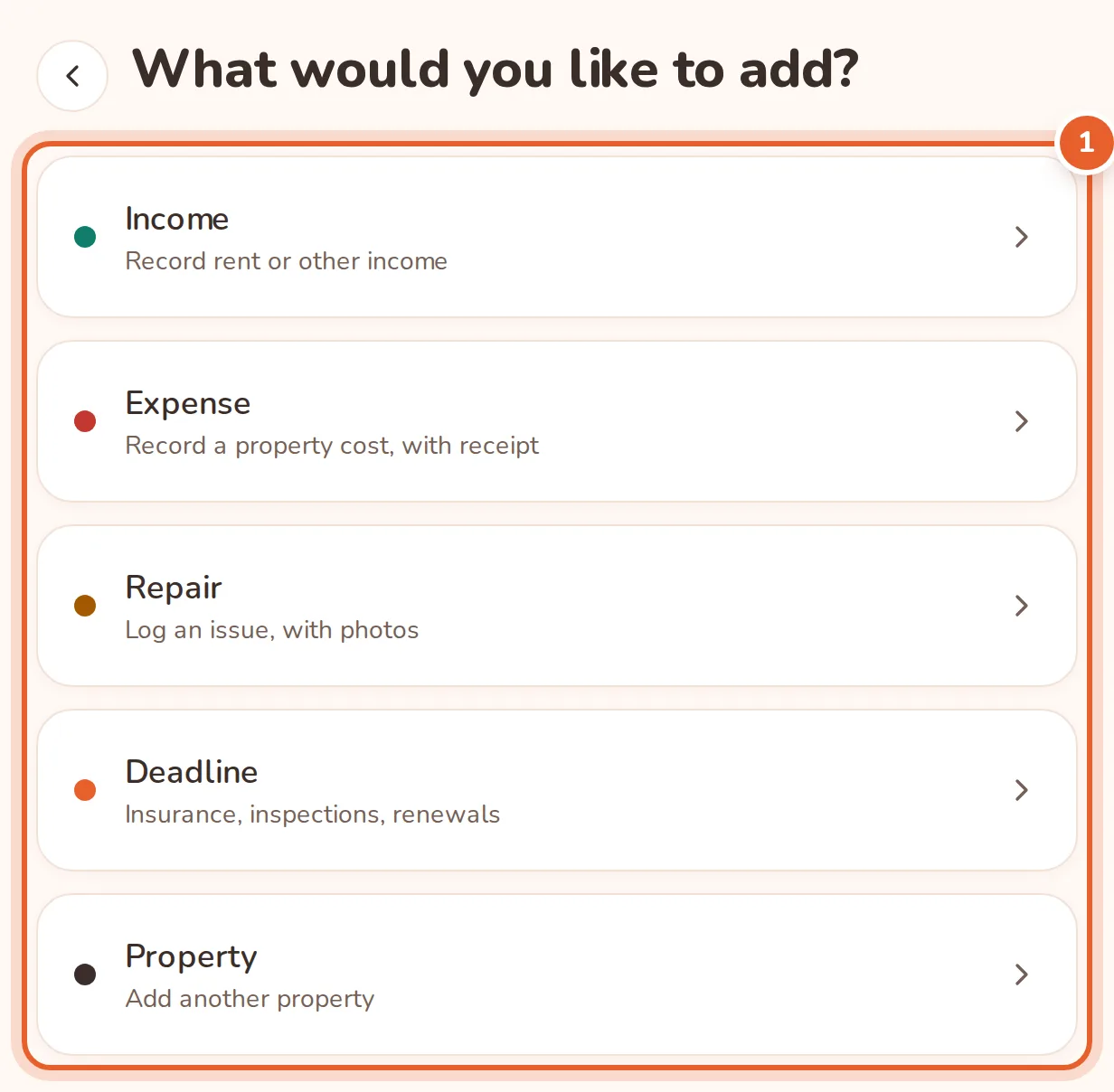
The Add screen with income, expense, repair, deadline and property - 4
Search for anything
Click Search at the top of the menu, or press Ctrl K (⌘ K on a Mac). Type part of a property, a tenant's name or a repair, and jump straight to it 1.
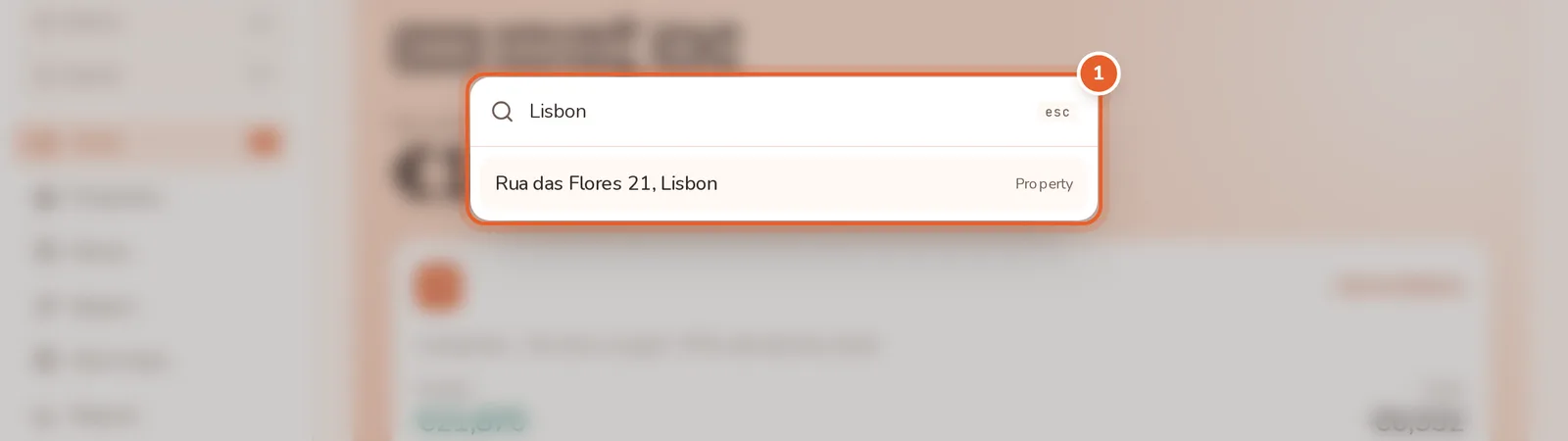
The search box finding a property
Still stuck?
Email us and a real person will help — usually within one working day.